
We are compatible with major social platforms such as YouTube, TikTok, as well as local media files and video recording functions.
1. Our AI technology currently only detects and tracks human figures. Capturing the motion of other objects will not work with our software. Make sure the person in your video is clear. Videos that contain multiple people can be more difficult to process accurately. We recommend focusing on one subject in the frame.
2. Guaranteed video resolution. For the best results, use high-resolution images with the subject in clear view and not blending into the background. The higher the video quality and the more distinct the subject is, the better our software can detect and mimic motions and gestures.
3. Watch your angles. Shooting from an upward or downward angle can negatively impact the animation effects.
Please keep these tips in mind to achieve the optimal motion capture experience with our product.
AI-powered Video to 3D Animation
Effortlessly extract 3D character animation files from videos in a single click using Vmotionize.
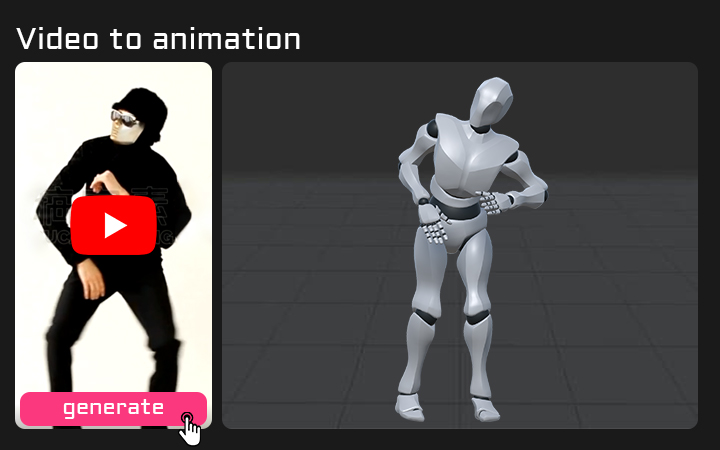
How to generate AI animation from video?
As an AI animation software, can greatly reduces the time and cost required for animation production, while also producing more realistic and high-quality 3D animation effects.
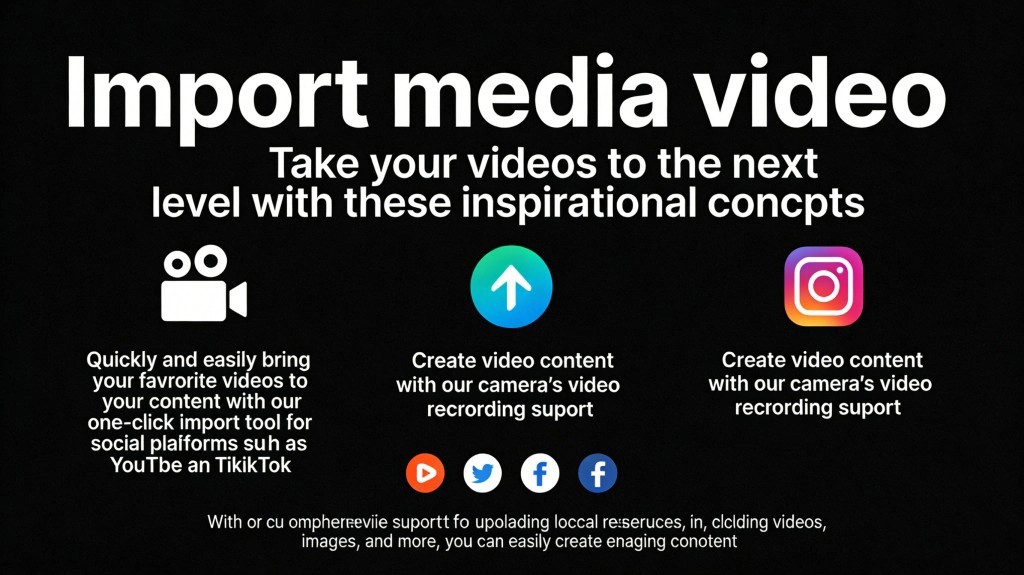
Import media video
Take your videos to the next level with these inspirational concepts.
* Quickly and easily bring your favorite videos to your content with our one-click import tool for social platforms such as YouTube and TikTok
* Create video content with our camera’s video recording support
* With our comprehensive support for uploading local resources, including videos, images, and more, you can easily create engaging content.
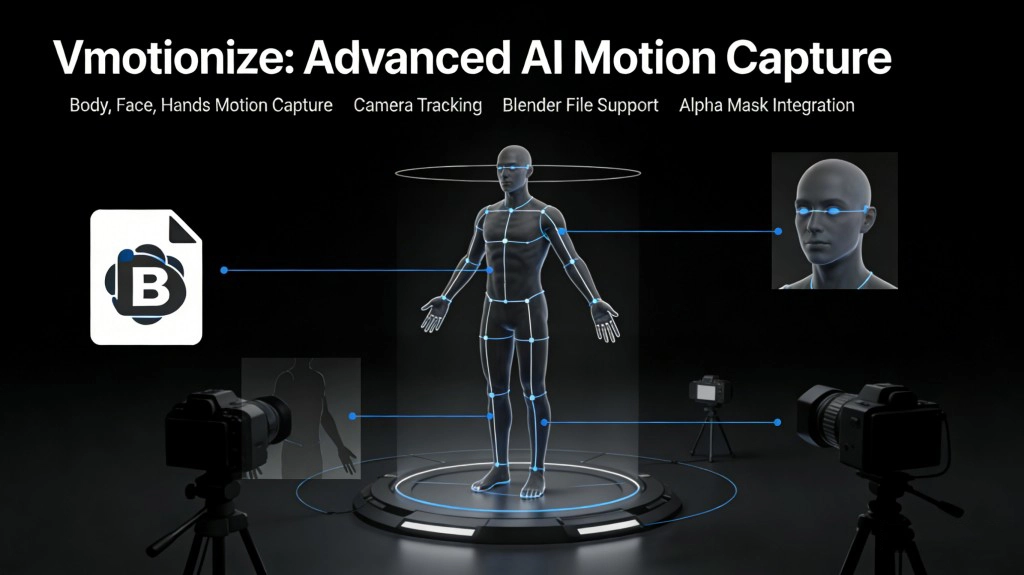
3D Animation generation
Vmotionize offers advanced AI motion capture capabilities for human body, face, and hands, along with camera tracking, blender file support, and alpha mask integration.
It enables users to accurately AI motion capture and transfer the movements of characters in videos, resulting in the creation of high-quality motion files.
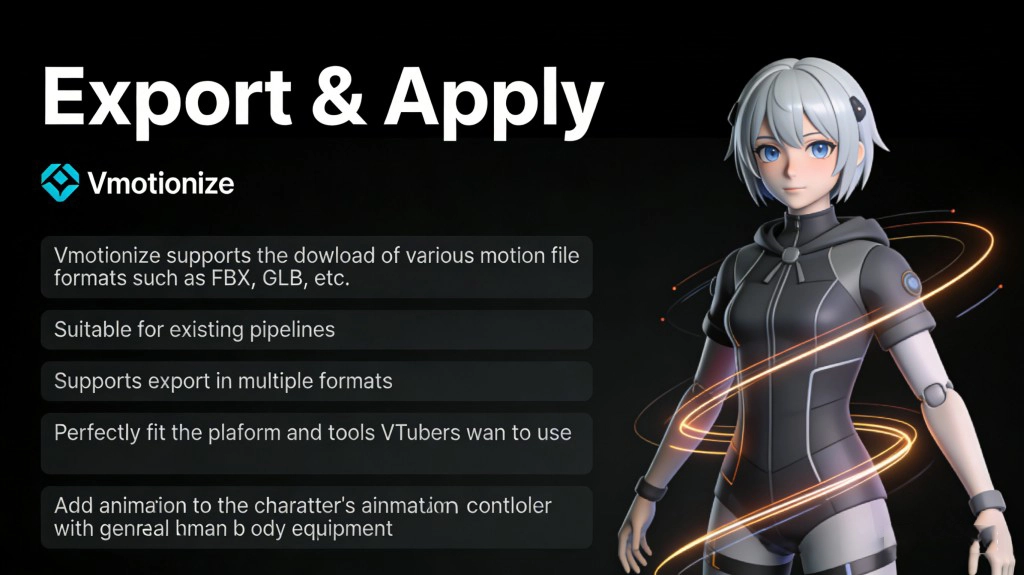
Export & Apply
Vmotionize supports the download of various motion file formats such as FBX, GLB, etc. It is suitable for existing pipelines, and supports export in multiple formats. Perfectly fit the platform and tools VTubers want to use. If you have an existing VTuber avatar or character with general human body equipment, you can add the animation to the character's animation controller.
Services
Features
More features are waiting for you to explore.
Real-time quality AI mocap
Vmotionize offers advanced AI motion capture capabilities for human body, face, and hands, along with camera tracking, blender file support, and alpha mask integration.
It enables users to accurately AI motion capture and transfer the movements of characters in videos, resulting in the creation of high-quality motion files.
Put your Avatar on stage
It supports importing 3D avatars in various formats such as VRM and FBX, and models made by software such as VRoid and 3DMax can be well supported.
Vmotionize will efficiently replace the people in the video with your 3D avatars.
AI video background generation
Use AI to generate video backgrounds that match your content theme, with a variety of background styles, providing you with inspiration.
AI can help you generate brand-new content for you in the shortest possible time.
The world is waiting for your first work!
A video, a avatar, give you an excellent AI animation content. Make everything easier.
FAQs
Frequently Asked Questions
Got a question? We've got answers. If you have some other questions, see our support center.